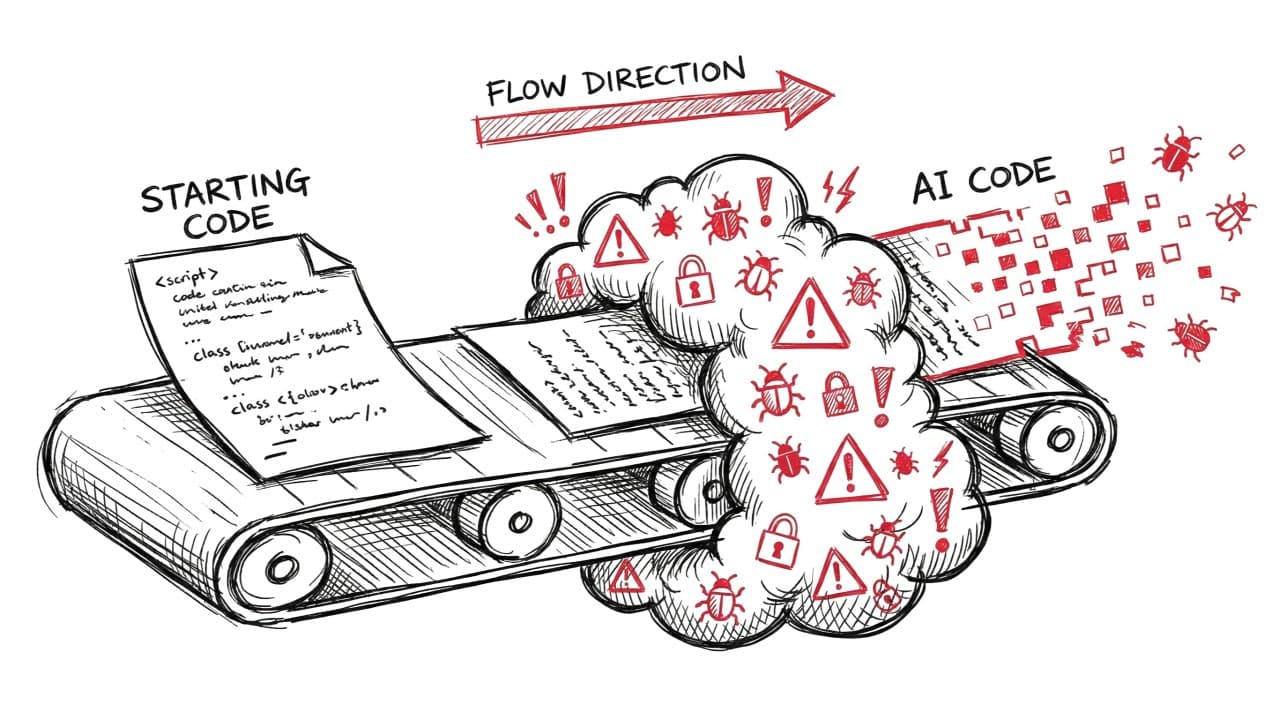
Your AI Code Improvements Are Making Things Worse
How many times have you asked your AI coding assistant to write something, and it gets you 90% there, but that last 10% turns into a prompt loop from hell? 'Actually, make it faster.' 'Now add error handling.' 'Can you optimize this part?'
That nagging feeling that it's getting worse with each iteration? You're not imagining it. You're right. New research proves it: every iteration degrades your security.
The Study That Should Worry Every Developer
A new peer-reviewed study analyzed 400 code samples through 40 rounds of AI "improvements" using four distinct prompting strategies. After just five iterations, critical vulnerabilities increased by 37.6%.
Here's the thing: you're not improving your code. You're making it worse. Every time you hit "improve this" without actually checking what changed, you're adding vulnerabilities.
Why This Matters Right Now
This is happening in real production environments right now. Gartner predicts 75% of developers will use AI code assistants by 2028. Research shows approximately 40% of AI-generated code already contains vulnerabilities. And most developers trust AI when it says it "improved" the code—missing the security flaws it introduced.
The Four Ways AI Degrades Your Code
The researchers tested four prompting strategies:
- Efficiency-focused ("make this faster") → Most severe security issues
- Feature-focused ("add functionality") → New attack surfaces introduced
- Security-focused ("make this more secure") → Mixed results, some improvements early on, but still introduces new vulnerabilities.
- General improvement → Unpredictable vulnerability patterns
Why AI Keeps Getting This Wrong
LLMs are pattern-matching machines trained on massive code repositories, including vulnerable code. They optimize for code that reads naturally, runs without errors, and looks clean. But they don't understand your threat model, your architecture's security boundaries, or context-specific risks. A fix that looks right might violate your access control model. A cleanup might strip critical logging. Unless someone's catching it, you'll only find out when it's too late.
Why Should You Care?
Imagine: you're building a feature, using Cursor to iterate quickly. Five rounds of "improvements" later, you've got clean, working code. You push to production.
You just introduced a critical SQL injection vulnerability.
The AI optimized for readability and performance. It removed "unnecessary" input validation. Your code review missed it because it looked cleaner than before.
This is happening everywhere.
What You Should Actually Do
Treat every AI suggestion like a pull request from a junior developer. If you're iterating more than three times, stop and check what's actually changing. The cleaner AI makes it look, the more likely it stripped out something critical.
The Bottom Line
AI coding assistants are powerful. The problem isn't the tool, it's how we use it. Stop iterating blindly. Stop trusting "improvements" without review. Every time you do, you're trading speed for security.
(Full paper -* https://arxiv.org/pdf/2506.11022*)